
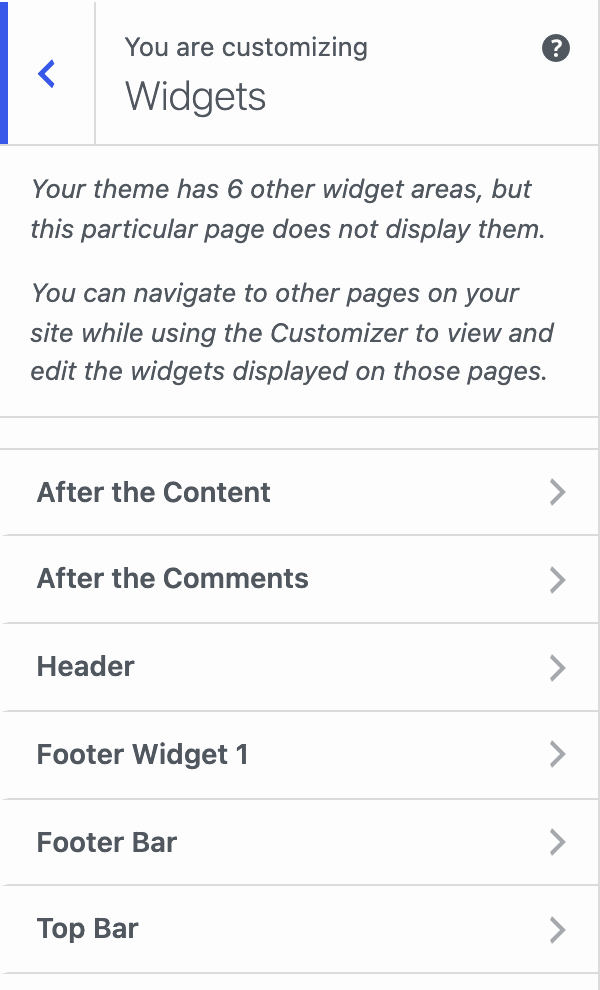
Enhance for GP registers two extra widget areas. Both appear on single posts only.
| Widget area | Where it appears |
|---|---|
| After the Content | After the content on single posts. |
| After the Comments | After the comments on single posts. Useful for related and popular posts. |
Add widgets
- Go to Appearance → Widgets.
- Open After the Content or After the Comments.
- Add your widgets and click Update.
You can also open the areas from Appearance → Customize → Widgets.
Good to know
- A widget area shows nothing until you add a widget to it.
- If you tick Hide Comments Area in Single posts, the comment list and form are removed.
- Show Simple Author Box below the comments places the author box together with the After the Comments area. See Single posts.
- If you uninstall Enhance for GP, widgets in these areas move to Inactive Widgets. See Uninstalling.